To embed the 1Password SaaS Manager App catalog into a Happeo intranet please see the App catalog section.
Login in as an Administrator for Happeo, and choose User Management and click the System Accounts tab.
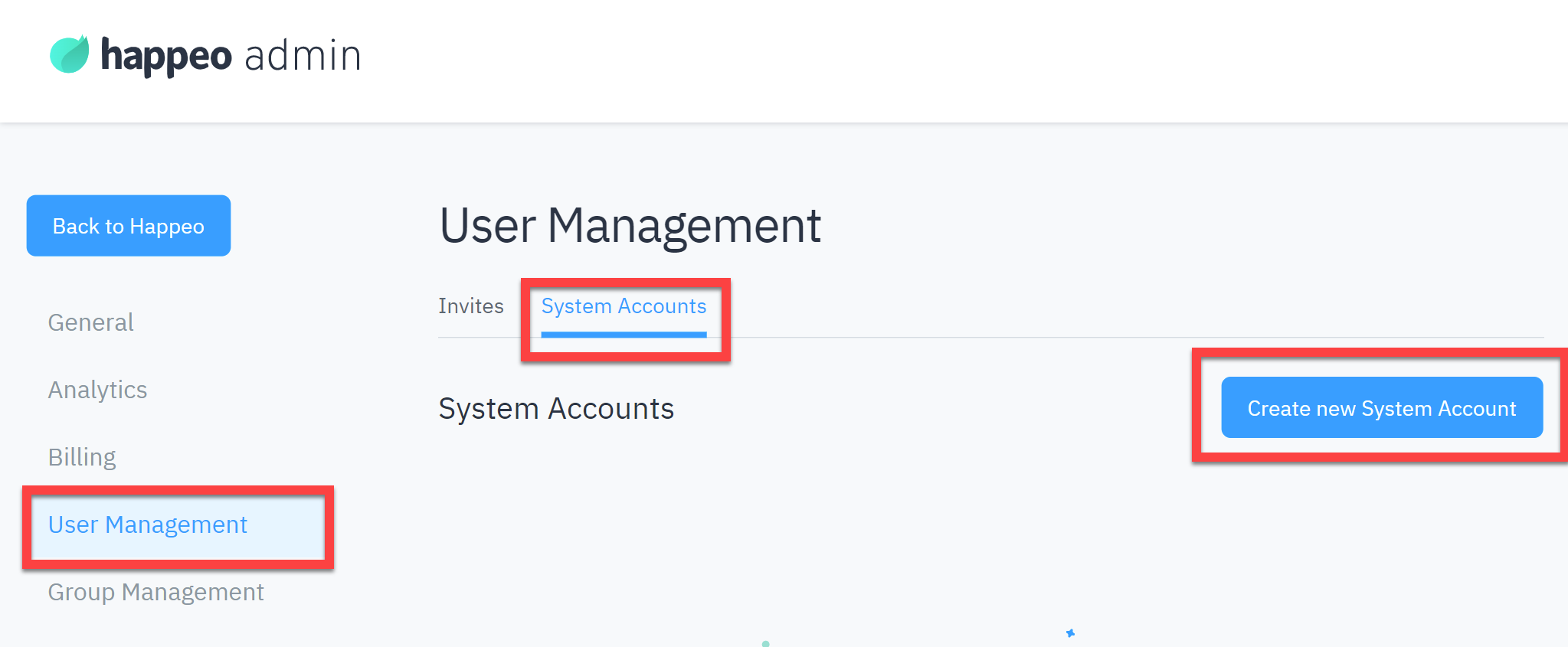
Click Create new System Account and enter a name (e.g. SaaSManagerIntegration) and select Admin for the User role.
Now click Create system account.
You will see the new account in the list. Click the eye icon to view API keys:
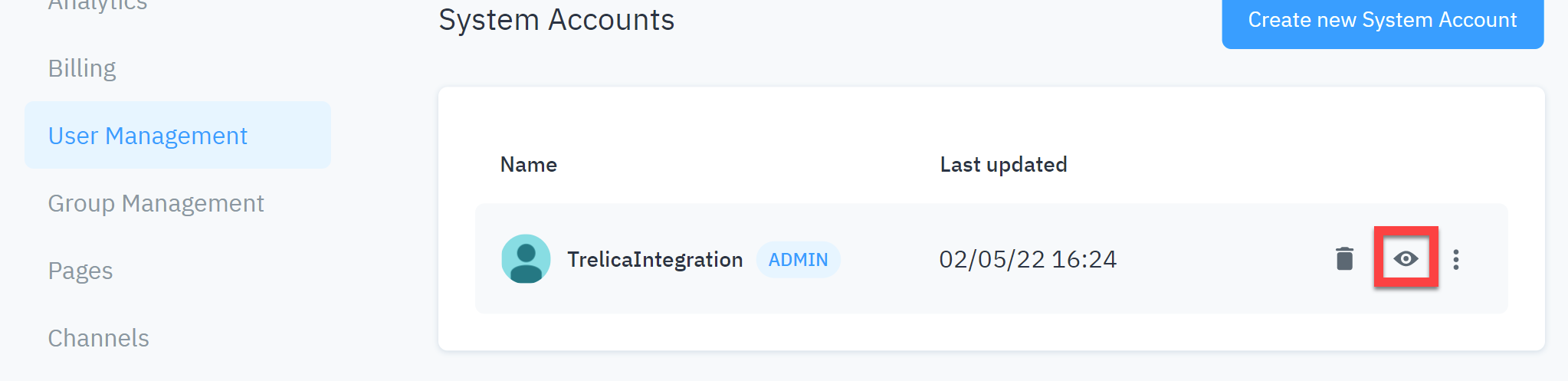
Click Create new API Key and enter SaaS Manager as the description.
Click Create.
Your new API key will be shown.
Cut and paste this key into SaaS Manager when you connect to Happeo.
Comments
0 comments
Please sign in to leave a comment.