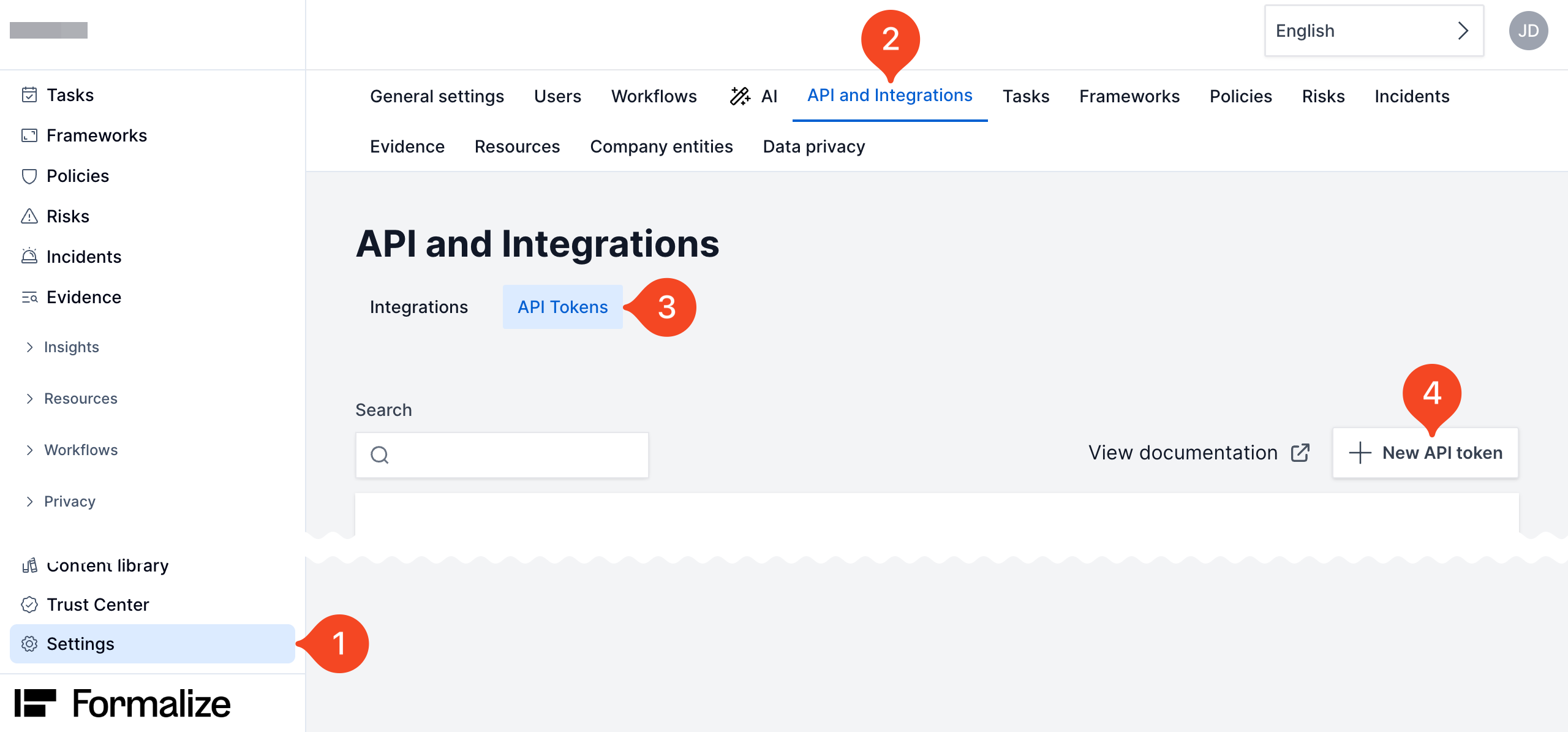
Go to Settings > API and Integrations.
Click API Tokens and choose New API token.
Enter a name, e.g. 1Password SaaS Manager and click Create.
Copy the token to the clipboard and paste it into 1Password SaaS Manager.
Go to Settings > API and Integrations.
Click API Tokens and choose New API token.
Enter a name, e.g. 1Password SaaS Manager and click Create.
Copy the token to the clipboard and paste it into 1Password SaaS Manager.
Comments
0 comments
Please sign in to leave a comment.