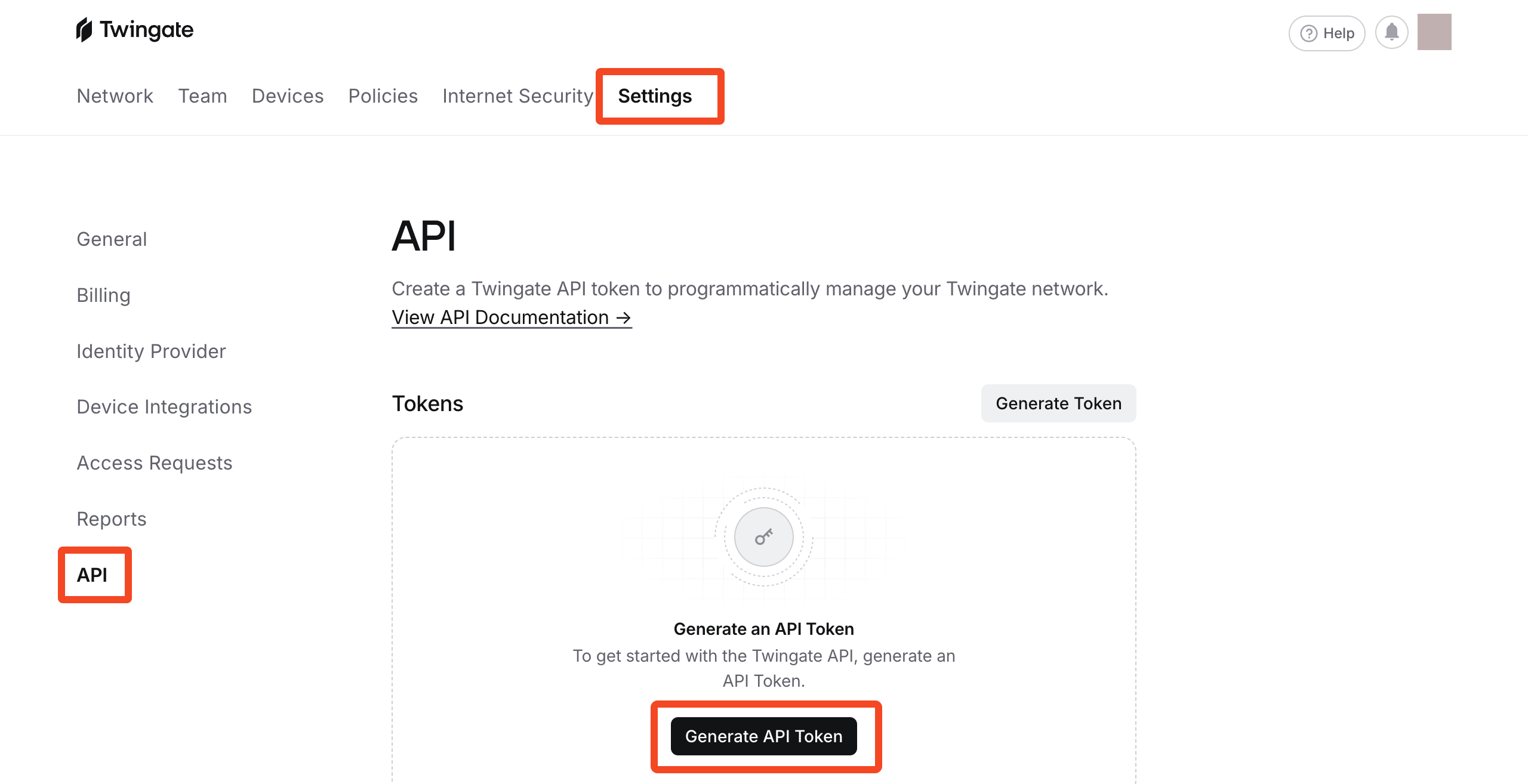
Go to Settings > API and click Generate API Token:
Enter a label (e.g. 'SaaS Manager') and choose Read only as the Permission Level.
Copy the token to the clipboard and Close the dialog.
Go to Settings > API and click Generate API Token:
Enter a label (e.g. 'SaaS Manager') and choose Read only as the Permission Level.
Copy the token to the clipboard and Close the dialog.
Comments
0 comments
Please sign in to leave a comment.