Log in to Wafeq as an Administrator.
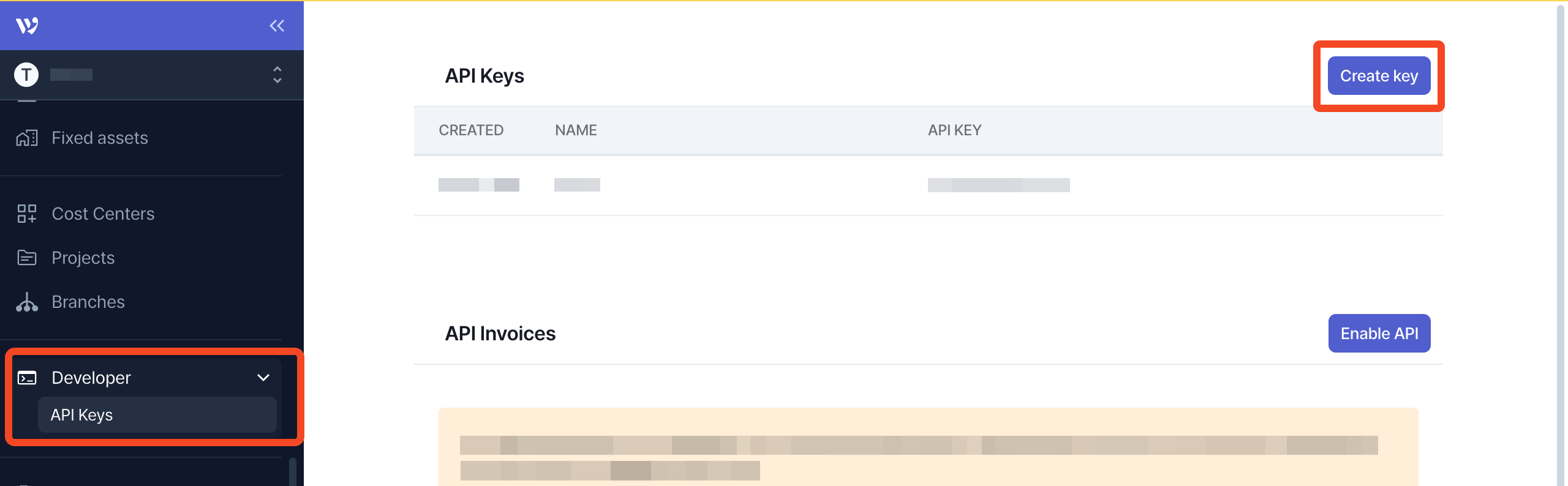
Select API Keys under the Developer section of the menu and click Create key.
Enter a name e.g. 'SaaS Manager' and click Create.
Copy the token to your clipboard, and then click Done.

Log in to Wafeq as an Administrator.
Select API Keys under the Developer section of the menu and click Create key.
Enter a name e.g. 'SaaS Manager' and click Create.
Copy the token to your clipboard, and then click Done.
Comments
0 comments
Please sign in to leave a comment.