By default, only you and the users you assign can access your 1Password SaaS Manager organization.
For some issues, it can however be helpful to grant access to the SaaS Manager Customer Success or Support teams to help you with configuration or trouble-shooting.
To alter this setting, go to Settings > Organization > Using SaaS Manager > Request support. Make sure the “Request support” option is on, otherwise SaaS Manager Support cannot add themselves to your organization.
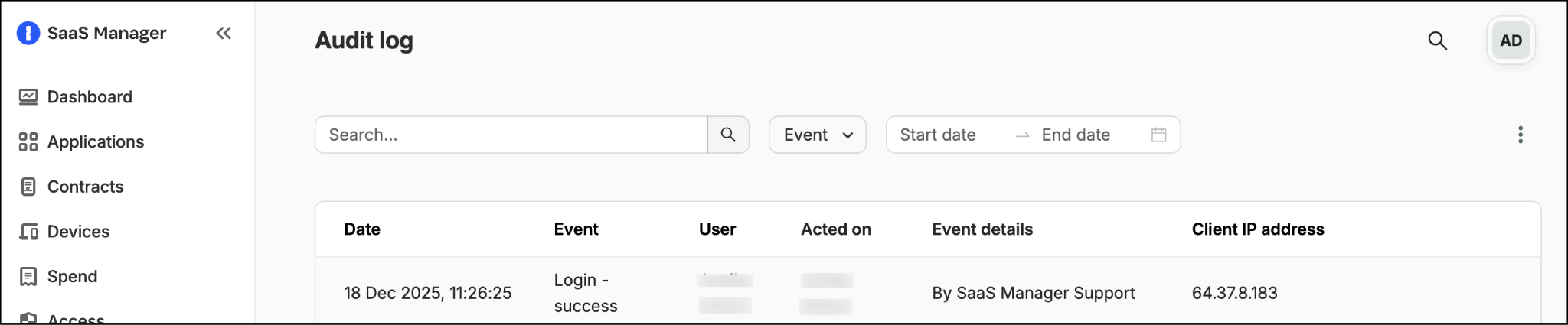
Actions performed by SaaS Manager support are logged on a named-user basis. For example, if 'Jane Doe' from SaaS Manager support accesses your organization, then you will see this in your SaaS Manager audit log:
Comments
0 comments
Please sign in to leave a comment.