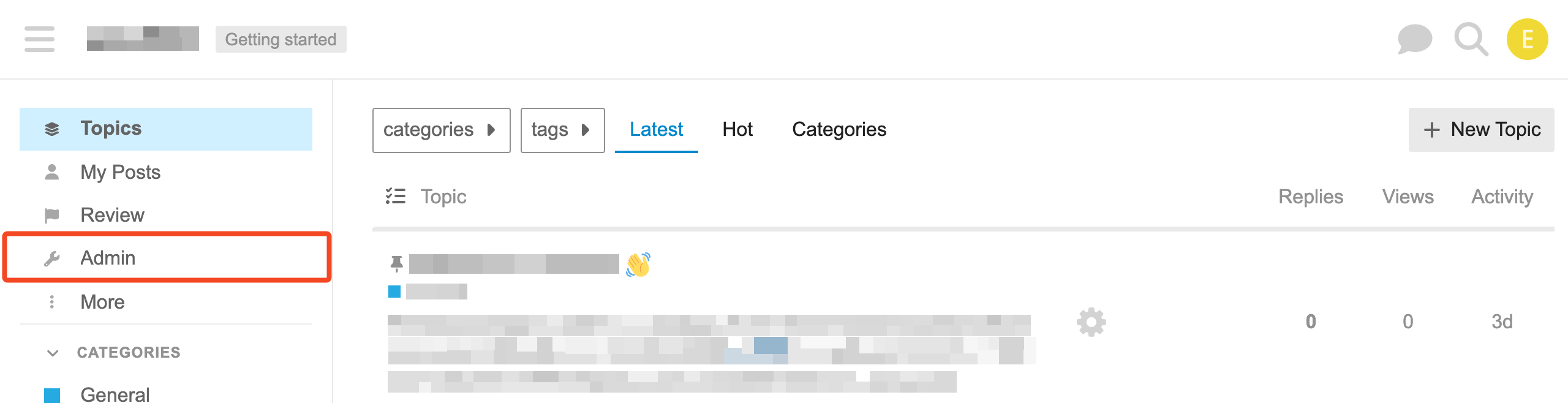
Log in to Discourse as an administrator and go to the Admin section:
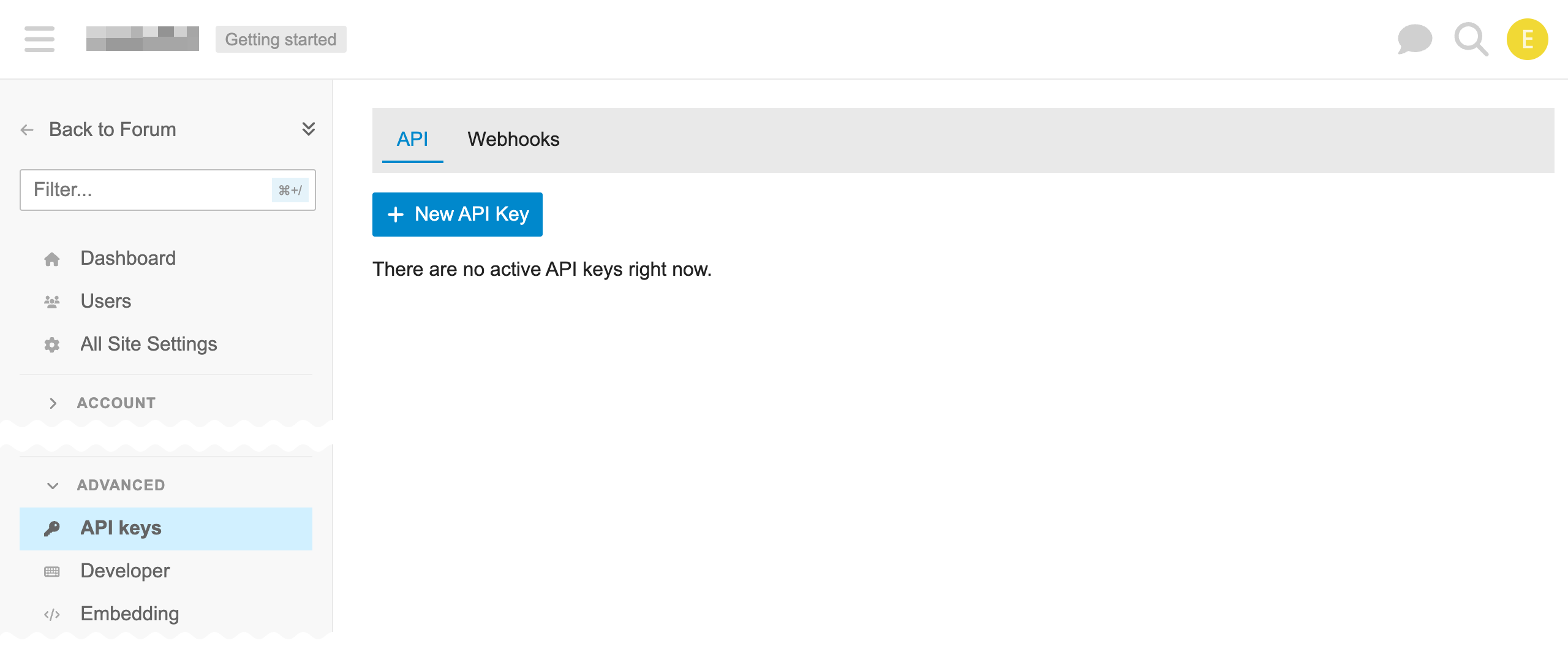
Under Advanced, choose API keys and click New API Key:
Enter a Description, choose All Users for User Level, and Granular Scope.
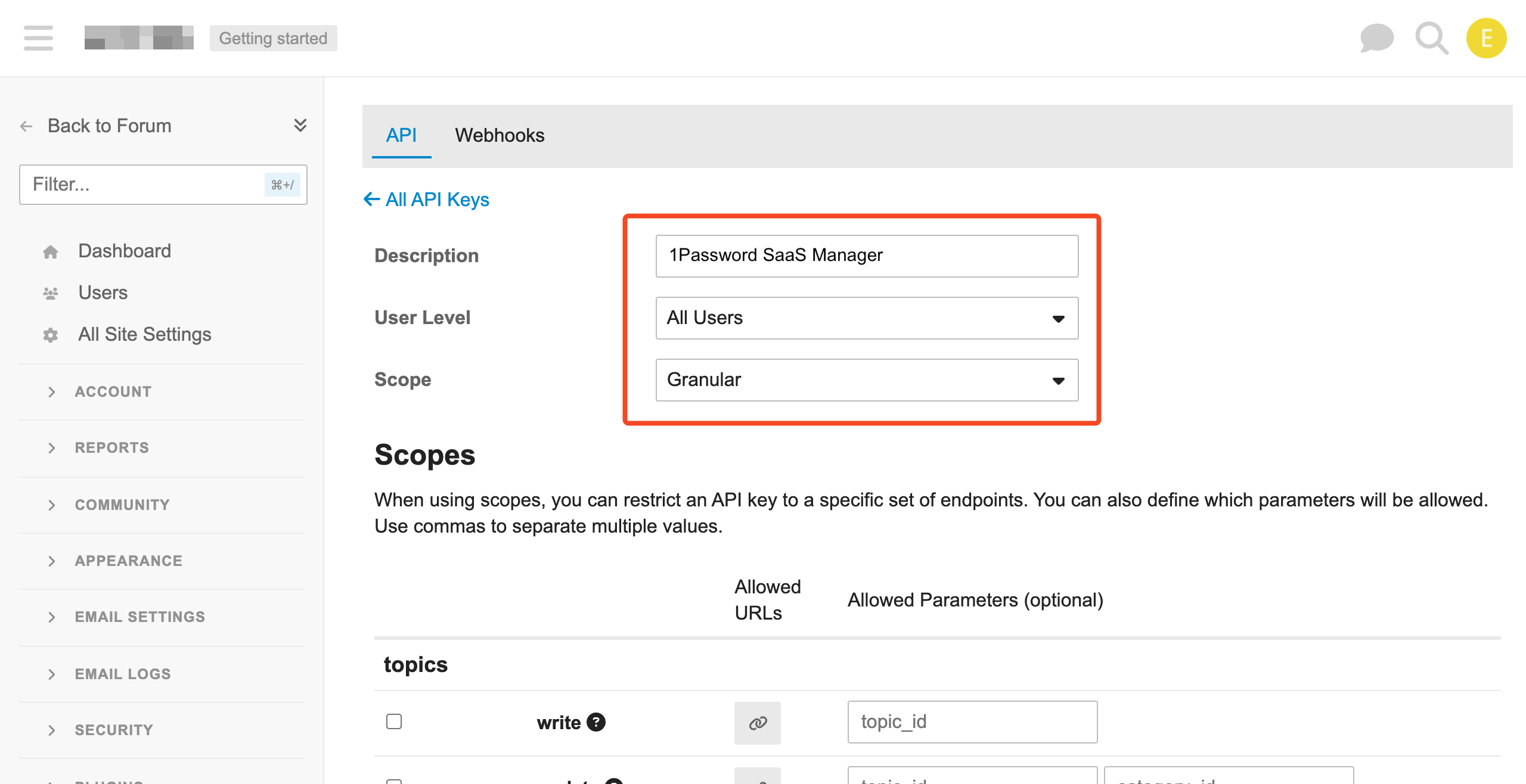
For Scopes select the following:
| Category | Action | Feature |
|---|---|---|
| groups | manage groups | List, add, and remove group members. Required (add/remove groups actions in 1Password SaaS Manager only available if you choose Deprovisioning or Provisioning) |
| users | show | Show information about a user. Required. |
| users | check emails | List user emails. Required. |
| users | update | Update user profile information. |
| users | log out | Log out all sessions for a user. Deprovisioning. |
| users | suspend | Suspend user accounts Deprovisioning. |
| users | delete | Delete user accounts Deprovisioning. |
| users | list | Get a list of all users. Required. |
| wordpress | utilities |
Create users. Provisioning. The naming is strange but this grants access to POST to the /users endpoint. |
Click Save.
Comments
0 comments
Please sign in to leave a comment.